FAULTY_HARDWARE_CORRUPTED_PAGE on an Acer Laptop: Repair Guide
When your Acer laptop blue-screens with FAULTY_HARDWARE_CORRUPTED_PAGE, the name alone is enough to ruin your day. But here’s what technicians know: despite the dramatic name, this error is caused by genuinely dead hardware far less often than by a RAM hiccup, a driver writing where it shouldn’t, or heat pushing marginal memory over the edge. It’s a “memory page got corrupted” error, and memory pages get corrupted for very fixable reasons.
This Acer-focused guide starts with memory testing, moves through Acer’s own drivers, and only then considers the physical stuff. If you’re seeing this on a different brand, our Dell version of this fix covers the same error with Dell-specific steps.
Why this happens
- A RAM cell is flaky. Single-bit errors from a weakening memory module corrupt pages exactly the way this stop code describes.
- A driver corrupted memory. Drivers with buffer bugs overwrite other drivers’ memory; Windows detects the corruption and blames “hardware.”
- Memory timings are unstable. Aggressive timings or a BIOS update that changed memory training can make RAM error-prone.
- Heat pushes RAM over the edge. Acer’s slim models run warm; sustained heat increases memory error rates on marginal modules.
- The SSD or page file is involved. Corruption in paged-out memory on a struggling drive surfaces as corrupted pages.
- A module worked loose. Thermal cycling over months can unseat a SODIMM just enough for intermittent contact errors.
How to fix it
Work through these in order — test memory first, because the answer determines everything after.
Fix 1: Run Windows Memory Diagnostic
Start with the built-in test; it needs no downloads.
- Save your work, then press Win + R, type
mdsched.exe, and press Enter. - Choose Restart now and check for problems.
- During the test, press F1 and select Extended for a thorough scan (takes longer but catches more).
- After the reboot, open Event Viewer, go to Windows Logs > System, and look for the MemoryDiagnostics-Results entry.
- Errors here mean the RAM is genuinely suspect — note which test failed and continue to Fix 6 after trying the software fixes.
Fix 2: Run MemTest86 for a definitive answer
When you need certainty, MemTest86 is the gold standard.
- On another device (or in a stable moment), download MemTest86 and write it to a USB stick with its included tool.
- Plug it into the Acer, power on, and press F12 to open the boot menu. Select the USB stick.
- Let it run at least one full pass (four is ideal for intermittent errors). Red errors = bad RAM, no ambiguity.
- If errors appear consistently at the same addresses, that stick is bad. If they move around, suspect the slot or memory controller.
- No errors after four passes? Your RAM is fine — the cause is software, so continue below.
Fix 3: Update Acer’s chipset, storage, and graphics drivers
Driver-caused memory corruption is common and completely fixable.
- Find your serial number/SNID on the bottom sticker of the laptop.
- Go to Acer’s support site, enter it, and download drivers for your exact model: Chipset, then Storage/IRST, then VGA/Graphics.
- Install in that order, rebooting after each.
- Avoid third-party driver updaters — on Acer hardware they frequently install subtly wrong versions that cause exactly this kind of corruption.
Fix 4: Reset BIOS memory settings to defaults
Unstable memory configuration from a BIOS update or old tweak can cause this.
- Restart and press F2 during the Acer logo to enter BIOS setup.
- Press F9 (Setup Defaults) or find Load Default Settings in the menus.
- If you see any memory overclocking or XMP options, make sure they’re disabled.
- F10 to save and exit, then use the laptop normally for a day to judge stability.
Fix 5: Cool it down and check the drive
Heat and storage both masquerade as RAM problems.
- Power off and blow compressed air through the vents — hold fans still with a toothpick so they don’t overspin.
- Check that all fans spin freely on boot; a dead fan on a slim Acer causes rapid heat buildup.
- Open an elevated Command Prompt and run
chkdsk C: /f, rebooting to let it scan. - Check the SSD’s SMART health with the manufacturer’s tool or CrystalDiskInfo — reallocated sectors or CRC errors mean the drive is struggling. Drive-related corruption is also covered in our UNEXPECTED_STORE_EXCEPTION guide .
Fix 6: Reseat or replace the RAM modules
If diagnostics implicate memory, here’s the physical fix.
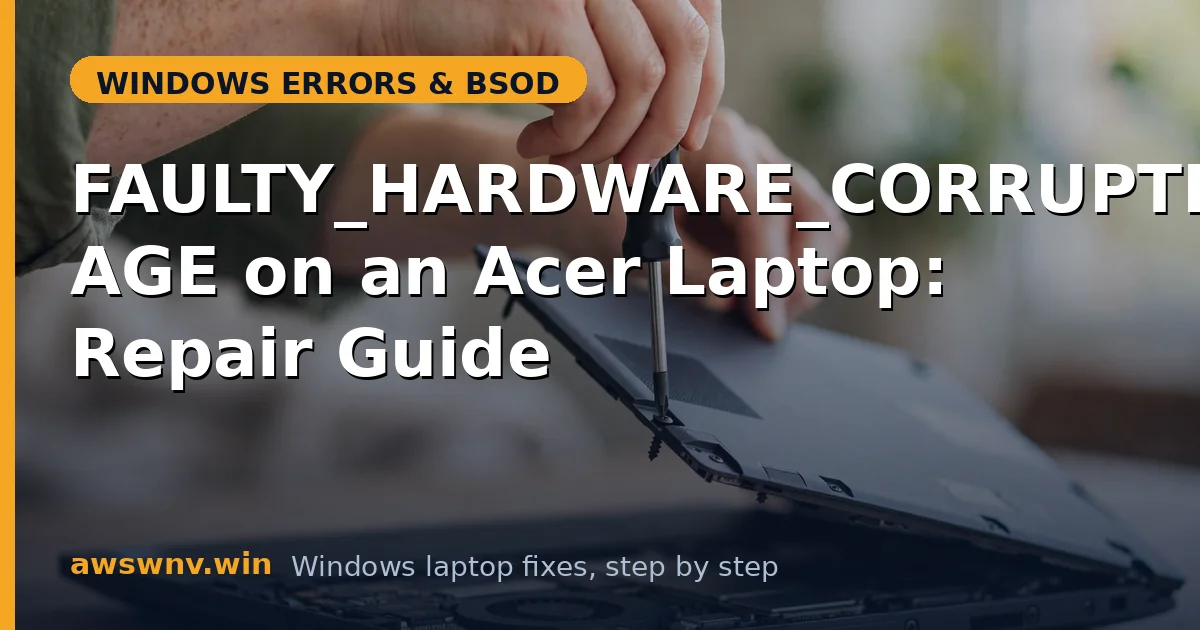
- Power off, unplug, and remove the bottom panel (Acer service manuals show the screw locations — keep track of different screw lengths).
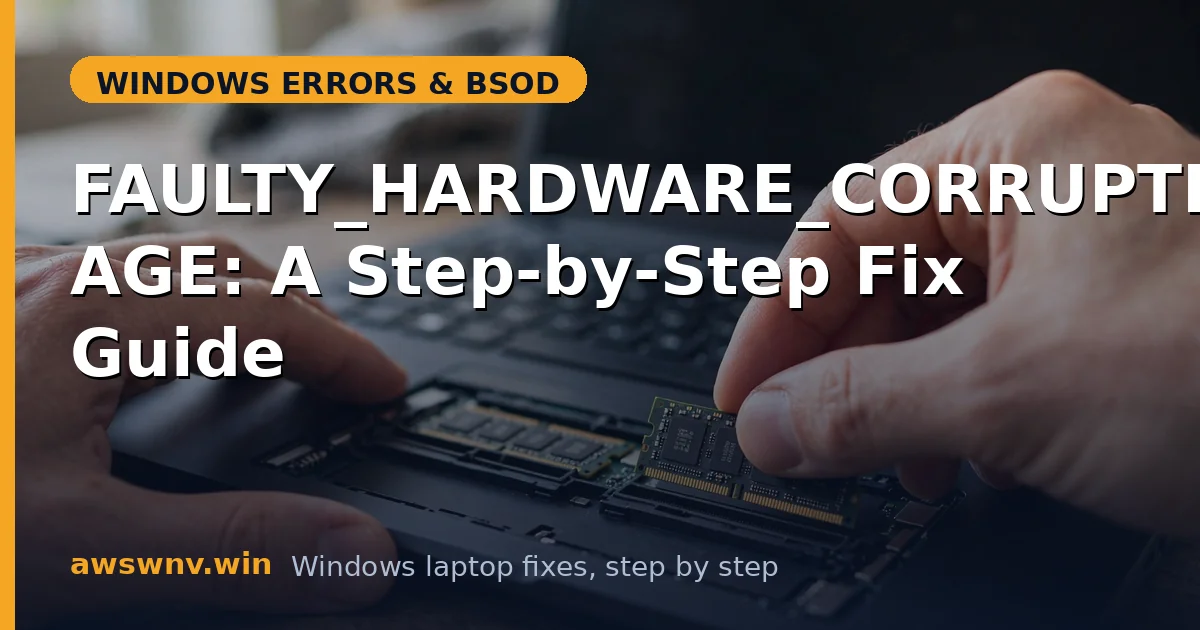
- Release the side clips, remove each SODIMM, clean the contacts gently with a dry cloth, and reinsert firmly until the clips snap shut.
- With two modules, test one at a time: boot with each alone and run
mdsched.exeto identify the bad stick. - Replace the faulty module with the exact spec from Acer’s manual (DDR generation, speed, voltage). If your Acer has soldered RAM and diagnostics fail, it’s a warranty/service matter — check coverage with your serial number on Acer’s support site.
Fix 7: Repair Windows system files
A final software sweep before concluding it’s hardware.
- Open an elevated Command Prompt and run
sfc /scannow. - Follow with
DISM /Online /Cleanup-Image /RestoreHealthand reboot. - If crashes persist after clean memory tests, fresh Acer drivers, default BIOS settings, and repaired system files, the memory controller or motherboard is the remaining suspect — gather your MemTest86 results and contact Acer support. Microsoft’s Windows support documents additional recovery options.
Closing
FAULTY_HARDWARE_CORRUPTED_PAGE on an Acer is a diagnosis process, not a death sentence: test the RAM properly, refresh Acer’s own drivers, cool the machine down, and reseat modules before you spend a cent. In most cases one of those steps ends the crashes — and you’ll know exactly which one did it.