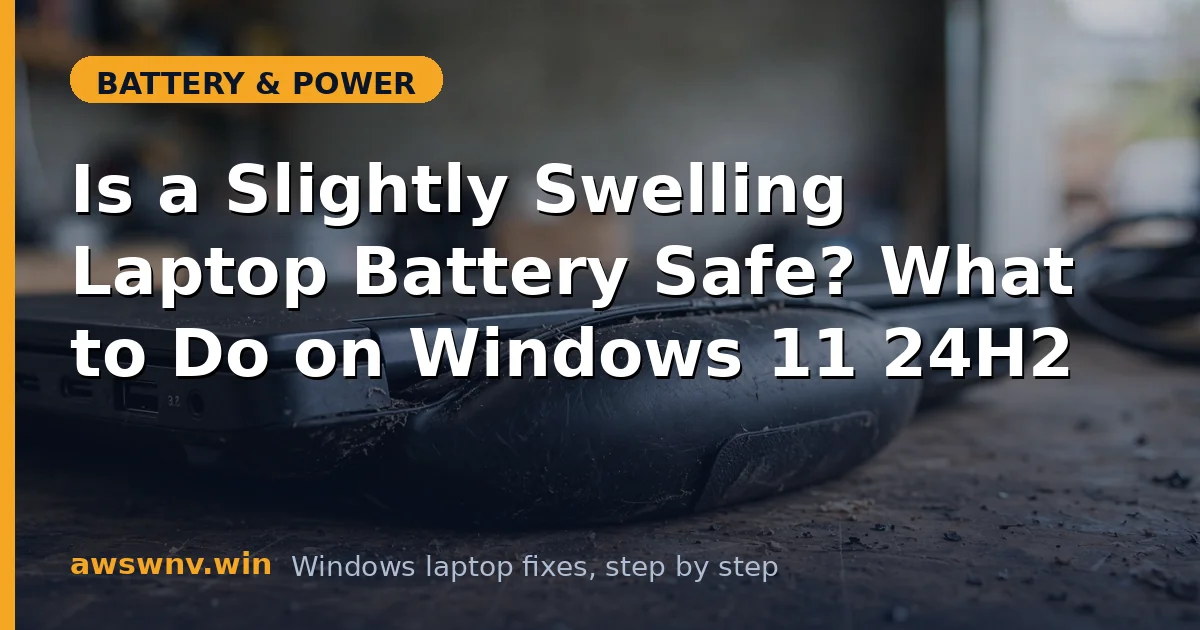
The trackpad feels raised in the middle. The bottom panel does not sit flat on the desk anymore, and the laptop rocks slightly when you type. Or maybe you opened the back to upgrade RAM and saw the battery pack bulging like a pillow. A slightly swelling laptop battery is one of those problems where the right response matters more than any software fix — because this one is about safety, not settings.
Let me be direct: a swollen battery cannot be fixed with software, calibration, or settings. Windows 11 24H2 has no tool that reverses it. What this guide gives you instead is the correct sequence — how to confirm the swelling, how to make the laptop safe, how to back up your data, and how to get the battery replaced or recycled properly.
Why this happens
- Gas buildup from electrolyte breakdown. Lithium cells generate gas as the electrolyte decomposes with age, heat, or overcharging. The sealed pouch has nowhere to vent it, so it inflates.
- Chronic overcharging at high temperature. A laptop left plugged in at 100 percent for months, especially somewhere warm, accelerates the chemical reactions that produce gas.
- Deep discharges and long storage at zero. Storing a battery fully drained for months can trigger internal reactions that lead to swelling when it is next charged.
- Physical damage. A drop or pressure on the battery area can damage internal layers, and swelling may appear weeks later.
- Manufacturing defects. A small percentage of cells have flaws that cause premature gas generation regardless of how well you treat them.
- Simple old age. After three to five years, some swelling risk exists in any lithium battery, even well-maintained ones.
How to fix it
Work through these in order. The priority is safety first, data second, replacement third.
Fix 1: Confirm the swelling and stop charging immediately
Do not keep using a swollen battery while you research. Act first.
- Power down the laptop and unplug the charger. Do not charge a swollen battery — charging adds heat and energy to an already unstable cell.
- Place the laptop on a hard, non-flammable surface away from anything combustible, in a cool, ventilated area.
- Confirm the swelling: check for a raised trackpad, a bottom panel that will not sit flat, gaps appearing in the chassis seams, or visible pillowing if the back is open.
- Do not press on the swollen area, do not try to flatten it, and do not puncture it to “let the gas out.” Any of these can trigger thermal runaway.
Fix 2: Back up your data while on AC power only
Your files matter more than the hardware. Get them safe before the battery situation changes.
- If the laptop still runs, power it on connected to AC power with the battery’s condition in mind — keep the session short.
- Copy critical files to an external drive or cloud storage immediately. Do not run a lengthy full-disk backup that keeps the machine hot for hours.
- If the swelling is severe — the chassis is separating or the battery is visibly deformed — do not power the laptop on at all. Remove the drive and recover data via another machine or a professional service instead.
- Verify the backup opened correctly on another device before proceeding.
Fix 3: Check whether the battery is removable and isolate it
Separating the swollen battery from the laptop is the safest configuration.
- If your laptop has an externally removable battery, power off, unplug, and remove it. Store it in a cool place in a non-flammable container, such as a metal box or a LiPo safety bag, with the terminals covered in electrical tape.
- If the battery is internal, do not pry the laptop open yourself unless you are experienced — puncturing a swollen pouch cell during disassembly is exactly how fires start.
- For internal batteries, take the whole laptop to an authorized service center and tell them the battery is swollen. They have the tools and procedures to remove it safely.
- Never ship a swollen battery through regular mail. It is classified as dangerous goods.
Fix 4: Check warranty and manufacturer battery programs
A swollen battery within warranty is the manufacturer’s problem to solve.
- Check your warranty status on the manufacturer’s support site — Dell , HP , Lenovo .
- Many manufacturers treat swollen batteries as a safety issue and replace them even outside standard terms, or run specific battery safety programs. Ask explicitly.
- Document the swelling with photos before contacting support, and describe when you first noticed it.
- If the laptop is out of warranty, get a quote from an authorized service center rather than a random repair shop — battery handling procedures matter here.
Fix 5: Get a genuine replacement battery
Only a new battery resolves swelling. There is no repair, no discharge trick, no software setting.
- Order a genuine battery matched to your exact model from the manufacturer. Third-party batteries have inconsistent quality control, and a cheap replacement can swell again within months.
- Have it installed by an authorized service center if the battery is internal. The old swollen battery must be removed without puncturing it.
- After replacement, run
powercfg /batteryreportto confirm the new battery reports a full charge capacity matching its design capacity. - Our battery health guide shows how to verify the new pack is genuine and healthy.
Fix 6: Dispose of the swollen battery properly
A swollen battery in a drawer is a fire waiting for a bad day.
- Tape over the battery terminals with electrical tape to prevent short circuits.
- Place it in a non-flammable container away from heat and sunlight.
- Take it to a battery recycling drop-off, an electronics retailer with a battery take-back program, or your local hazardous waste facility. Call ahead — some locations have specific procedures for damaged batteries.
- Never put lithium batteries in household trash, curbside recycling, or a regular mailbox. Fires in garbage trucks from lithium batteries are a documented and growing problem.
Fix 7: Prevent the next battery from swelling
Once the new battery is in, break the habits that caused the swelling.
- Enable your manufacturer’s charge limit for desk use: Lenovo Conservation Mode, Asus Battery Health Charging at 80 percent, or Dell’s Primarily AC Use mode. Our 80 percent charge limit guide covers every brand.
- Keep the laptop cool — heat is the great accelerator of battery aging. Clean vents regularly and avoid hot environments while plugged in.
- If the laptop will sit unused for weeks, store it at around 50 percent charge in a cool place, not at 100 percent and not at zero.
- Replace batteries on a schedule: after three to four years of heavy use, proactively check capacity with a battery report rather than waiting for symptoms.
A slightly swollen battery feels like a minor cosmetic issue. It is not. It is a chemical process that moves in one direction, and the correct response is always the same: stop charging it, protect your data, and replace it through proper channels.
Closing
Do not negotiate with a swollen battery and do not look for a software fix — there is not one. Power down, back up, isolate or service the pack, recycle it properly, and set up charge limits on the replacement so you never see this again.