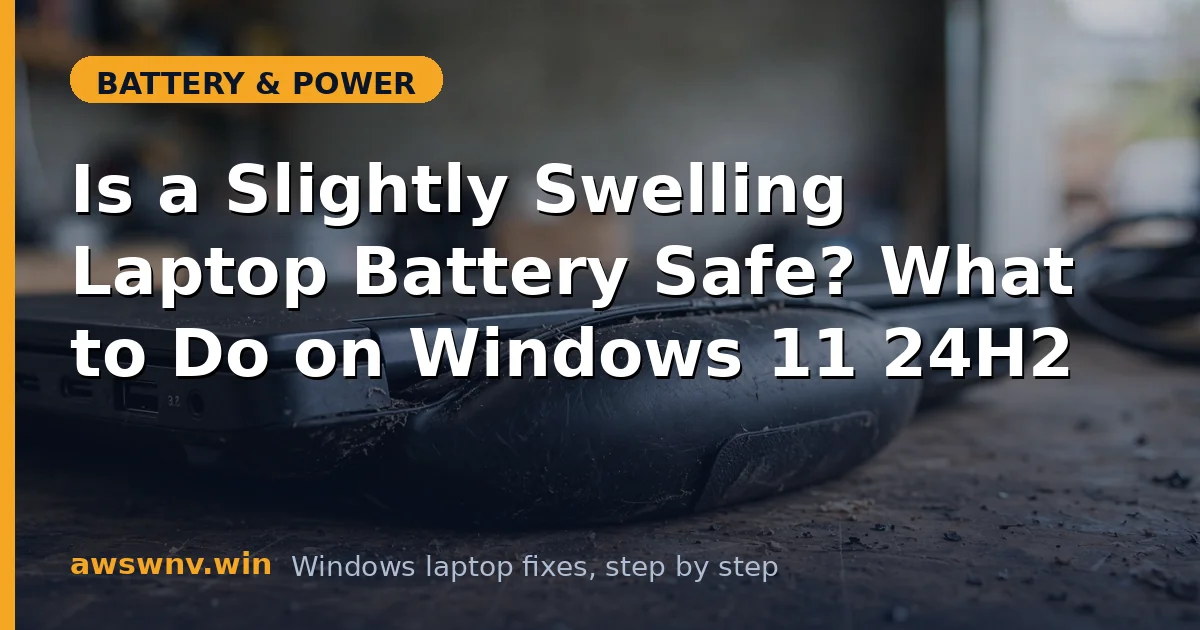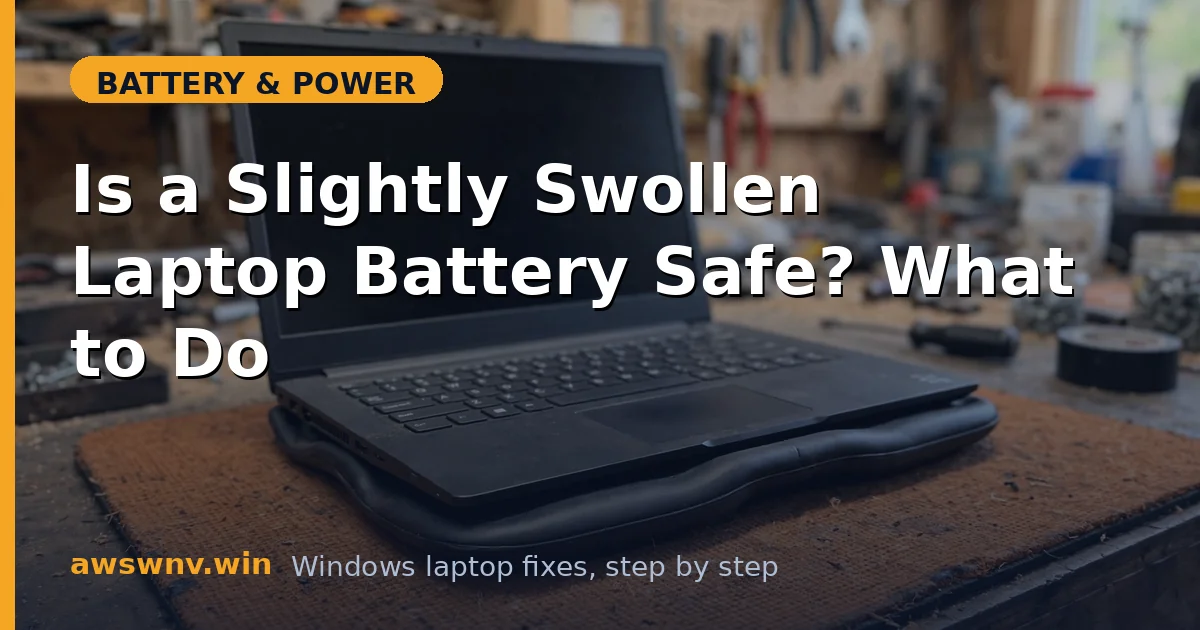
Your trackpad feels raised, the bottom cover doesn’t sit flat, or the keyboard has a subtle bulge. You press gently and something inside gives a little. That’s a swelling battery — gas building up inside the lithium pouch — and “slightly” doesn’t make it safe.
Let’s be direct: there is no fix that un-sweeps a swollen battery. No calibration, no driver, no setting reverses it. This article is about what to do right now to stay safe and get the laptop back to normal with a replacement.
Why this happens
- Electrolyte breakdown generates gas. Heat, age, and overcharge conditions decompose the electrolyte, releasing gases the sealed pouch traps.
- Chronic full-charge living. Years pinned at 100% in a warm dock is the classic swelling recipe.
- Manufacturing defects. Some batches have impurities or separator flaws that cause swelling even with gentle use — this is why recalls happen.
- Deep discharge damage. Leaving a laptop dead for months can destabilize cells, and they swell when finally recharged.
- Physical damage. A dent or puncture from a drop can start a slow swelling process weeks later.
- Old age. After 3–5 years, some packs swell simply because the chemistry is spent.
How to fix it
Work through these in order — safety first, replacement second.
Fix 1: Confirm it’s the battery swelling
- Power off the laptop and place it on a flat table — if it rocks, something inside is pushing the cover out.
- Look for a raised trackpad, keys sitting higher on one side, gaps appearing in the chassis seams, or the bottom cover bowing.
- Don’t press hard on the bulge to “test” it — pressure on a swollen pouch is exactly what you want to avoid.
- If the swelling is confirmed, stop using the laptop on battery immediately — run on AC only or power it off.
Fix 2: Make it safe right now
- Power the laptop off and unplug the charger.
- Move it to a non-flammable surface (tile, concrete, metal desk) away from paper, curtains, and bedding.
- Don’t charge a swollen battery — charging adds heat and energy to an already unstable pack.
- Don’t try to “deflate” it, puncture it, or press it flat. Ever.
- If it’s hot, smoking, or smelling sweet/chemical, get it outside onto concrete and call your local fire non-emergency line for guidance.
Fix 3: Back up your data before service
- If the laptop still boots on AC, back up your important files NOW — to an external drive or cloud — before handing it to a shop.
- Don’t run intensive tasks during the backup; keep it cool and quick.
- Once backed up, power it off and leave it off until the battery is replaced.
Fix 4: Check for a recall or warranty
- Look up your model on the manufacturer’s support site — Dell , HP , Lenovo — plus “battery recall.”
- Swollen batteries under warranty are typically replaced free, and some models have extended battery-safety programs.
- If a recall covers your unit, follow the manufacturer’s process exactly — they’ll specify safe shipping.
Fix 5: Get the battery replaced — professionally
- For internal batteries, use the manufacturer’s service center or a reputable repair shop. This is not the DIY job to learn on — slipping with a spudger near a swollen pouch is how fires start.
- Insist on a genuine battery for your exact model; cheap third-party packs have a worse swelling track record.
- For externally removable batteries (older models), you can swap it yourself: power off, slide the latches, lift straight out without bending it.
- Ask the shop to inspect the chassis — severe swelling can warp the trackpad or keyboard, which may need attention too.
- While waiting for the replacement, you can run the laptop on AC power with the swollen pack removed (removable models) — see laptop only works on AC power for what to expect in that mode.
Fix 6: Prevent the next one
- Enable the manufacturer’s charge limit going forward — 80% cap (Dell, ASUS) or 60% (Lenovo Conservation Mode). Chronic 100% living is the top preventable cause.
- Keep the laptop cool: clean vents, hard surfaces, reasonable fan profiles.
- Don’t store laptops dead for months; 50–60% charge, powered off, is the safe storage state.
- The troubleshooting companion to this guide — swollen battery troubleshooting — goes deeper on diagnosis vs. other bulge causes.
Fix 7: Dispose of the old battery safely
- Tape over the battery terminals with electrical tape.
- Place it in a non-flammable container (a metal tin or ceramic pot) for transport — not loose in a bag with keys and coins.
- Take it to a battery recycling drop-off, electronics retailer, or manufacturer service center. Never trash or incinerate it.
- Don’t stockpile dead lithium batteries in a drawer — recycle promptly.
Fix 8: What to tell the repair shop
- When you hand it over, give them the full story: when you first noticed it, how fast it grew, whether the laptop was hot, and what charge habits it had.
- Mention any recent drops or spills — physical damage changes what they inspect.
- Ask them to check the charge circuitry, not just swap the pack — a faulty charge controller will swell the replacement too.
- Get the old pack back or watch them recycle it — don’t let swollen packs sit in a shop’s “to deal with later” pile indefinitely; confirm it’s going to proper battery recycling.
Closing
A swollen battery is the one battery problem where the correct fix is always replacement, and the correct timeline is always “soon.” Handle it calmly, don’t charge it, back up, and let a professional do the swap — then set a charge limit so the next pack lives longer. A five-second flat-table check each month is all it takes to never be surprised by swelling again.